Multi-Platform Player Support
SDKs for ExoPlayer (Android), AVPlayer (iOS), Video.js, THEOplayer, Shaka Player, Brightcove, and HTML5 video. Cover your entire device ecosystem.
Understand how every viewer experiences your video service — from inside the player.
For OTT service providers, ISPs with IPTV services, and app developers who need real-time visibility into video playback quality across their subscriber base. Lightweight player SDKs collect QoE telemetry from every session, every device, every viewer.
The Challenge
Server-side analytics show you bitrate ladders served and CDN response times, but they miss what happens in the player: stalling that the CDN doesn't see, quality drops during resolution switches, slow startup on certain devices, and silent failures that viewers tolerate until they churn.
Our Approach
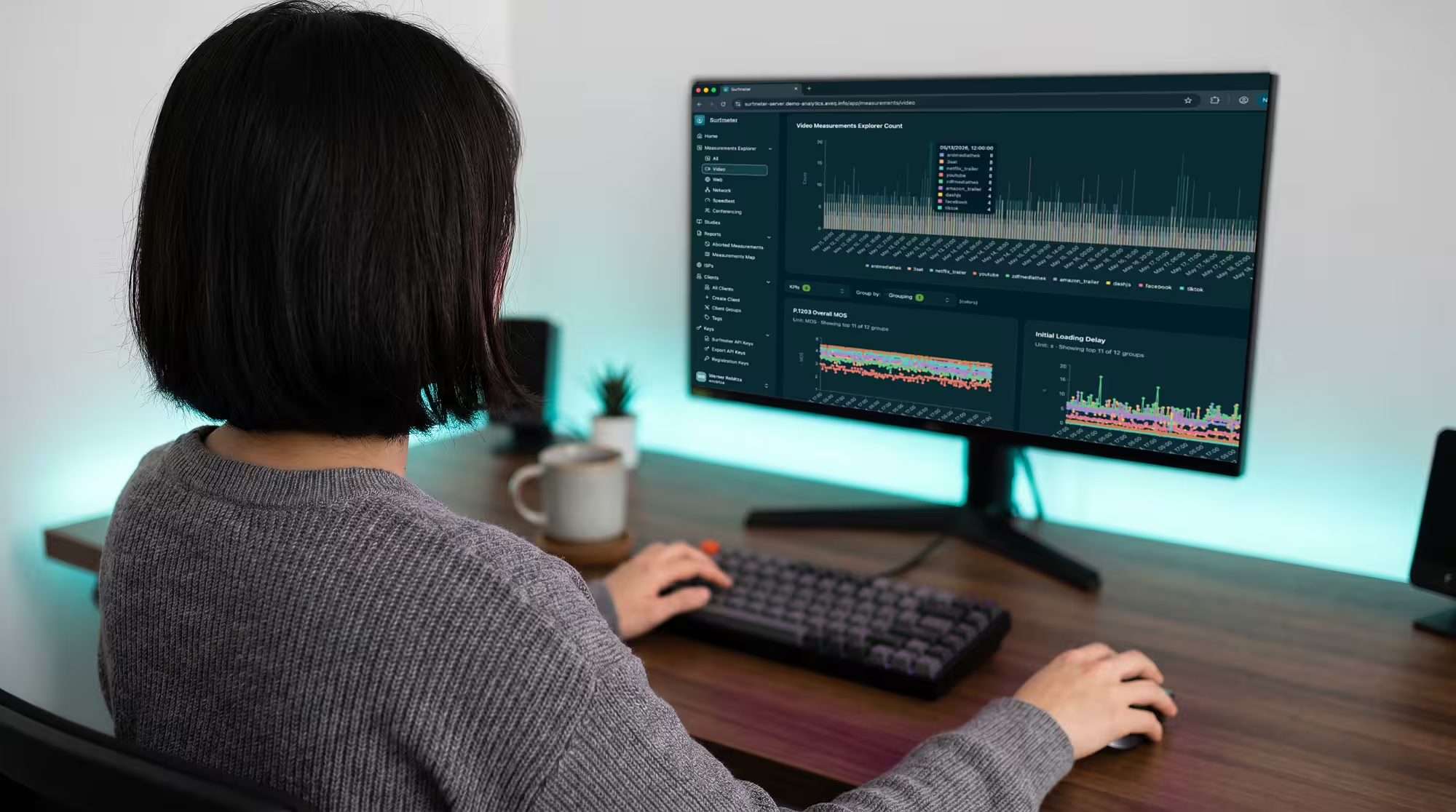
Surfmeter Player SDKs integrate into your video application and collect real-time quality data from the player itself. Available for ExoPlayer (Android), AVPlayer (iOS), Video.js, THEOplayer, Shaka Player, and HTML5 video — the SDK captures P.1203 MOS scores, stalling events, loading delays, and quality switches from every viewer session.

Key Capabilities
SDKs for ExoPlayer (Android), AVPlayer (iOS), Video.js, THEOplayer, Shaka Player, Brightcove, and HTML5 video. Cover your entire device ecosystem.
Monitor active playback sessions in real time. See quality metrics as they happen, not hours later in batch reports.
Every session gets a P.1203 MOS score that predicts viewer satisfaction — going beyond raw metrics to a standardized quality rating.
Minimal SDK footprint with background data transmission. No impact on playback performance or user experience.
Proven in Practice


DNS:Net wanted to understand quality differences across their Android, iOS, and web player implementations, and discover users who were experiencing poor quality before they complained. With the Surfmeter Player SDK, they gained visibility into client-side quality metrics across all platforms.
Results


WDR, one of Germany’s largest public broadcasters, uses Surfmeter to monitor the delivery quality of their streaming services from the viewer’s perspective. Beyond continuous CDN performance monitoring, WDR uses Surfmeter to validate new player versions, compare stream configurations, and verify that encoding changes deliver the expected quality improvements before rolling them out to millions of viewers.
Results
Get a personalized demo and see how Surfmeter fits your use case. It only takes 30 minutes.
Business Benefits
How It Works
Surfmeter Player SDKs are lightweight libraries that attach to your existing video player with minimal code changes.
Integrate the appropriate Player SDK for your platform: npm package for web players, AAR for Android, XCFramework for iOS. A few lines of initialization code.
The SDK observes player events (stalling, quality changes, errors) and collects telemetry at configurable intervals — transparently, in the background.
Telemetry is batched and sent to the Surfmeter analytics backend. Minimal bandwidth overhead with no impact on playback.
Access real-time and historical quality data through the Surfmeter dashboard or the Export API for integration with your own analytics stack.
Data & KPIs
See how Surfmeter Player SDKs give you viewer-level quality visibility.
Thank you! We'll get back to you shortly.
Something went wrong. Please try again.